 HOMESNAPPBook a shoot
 Listing strategy toolkit
Free Real Estate Media Planner
Use this free worksheet to match real estate photography, drone, video, floor plans and 3D tours to the needs of each listing.
No email required
What is inside
A practical tool,
ready for the next listing.
Choosing a media package and briefing the photographer.
- Listing-story prompts
- Property-to-media matrix
- Shoot brief worksheet
- Launch asset checklist
Resource preview
Use it as written.
Make it part of your process.
Define the listing story
Start with the likely buyer, the strongest feature and the questions that photos alone may not answer.
- Buyer and feature prompts
- Lead-image opportunity
- Primary launch channels
Match media to the property
The quick-reference matrix suggests useful combinations for lakefront homes, remote buyers, vacation rentals, vacant spaces and unique properties.
- Photos plus floor plan
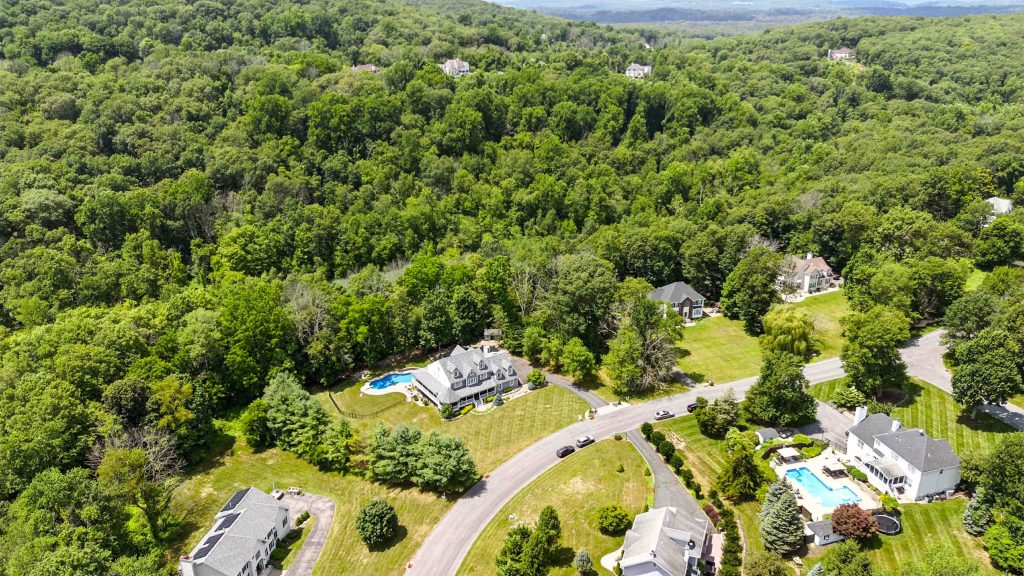
- Drone and video for land or setting
- 3D tours for remote evaluation
Give the photographer a useful brief
Capture must-show features, access notes and special considerations without prescribing every frame.
- Exterior and view priorities
- Rooms needing extra care
- HOA, parking and drone considerations
Put it into practice
Turn the brief into a useful media package.
Compare the seven HomeSnapp services and package pricing as you complete the worksheet. Include access notes and any drone restrictions when aerial media is part of the plan.
Created by the HomeSnapp real estate media team in Lake Hopatcong, New Jersey. This free resource is available to download and share without a form or email subscription.
Free download
Keep it handy.
Share it with a seller.
Download the printable PDF now—there is no form, subscription or email gate.
More free agent tools